Getting on Google
What you need:
- Access to your domain's DNS panel (DreamHost in this case)
- A Google account
Step 1: Add your property in Search Console
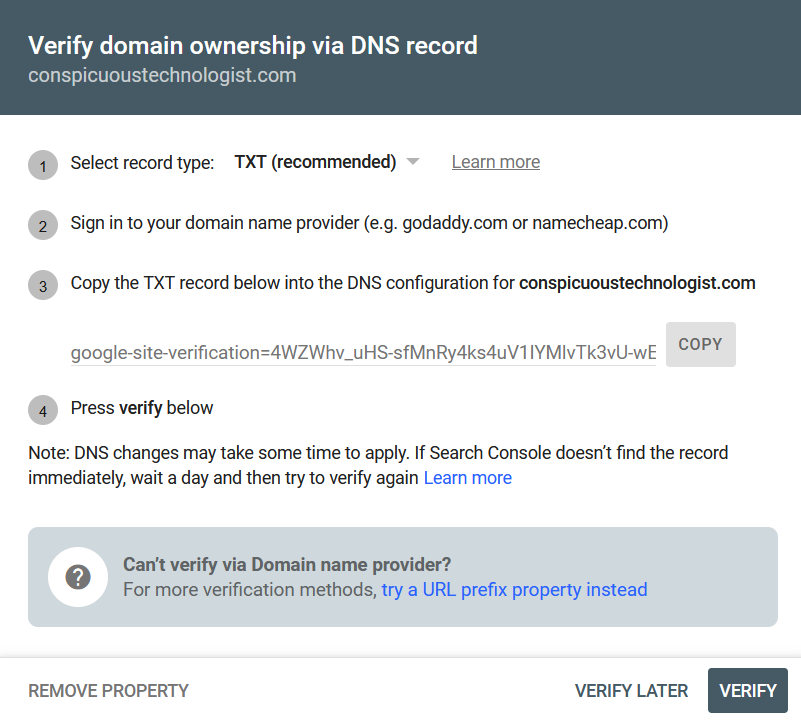
Go to search.google.com/search-console, click Add Property, enter your domain. Google will give you a TXT record to add to your DNS.
Step 2: Find DNS settings in DreamHost
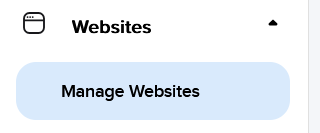
In the DreamHost panel: Websites → Manage Websites → your domain → DNS.
Step 3: Add the TXT record
Add a new TXT record. Leave Host blank (it defaults to your root domain). Paste the full google-site-verification=... string as the TXT Value. Hit Add Record.

DreamHost will process the DNS update, takes a few seconds.

Step 4: Verify and submit your sitemap
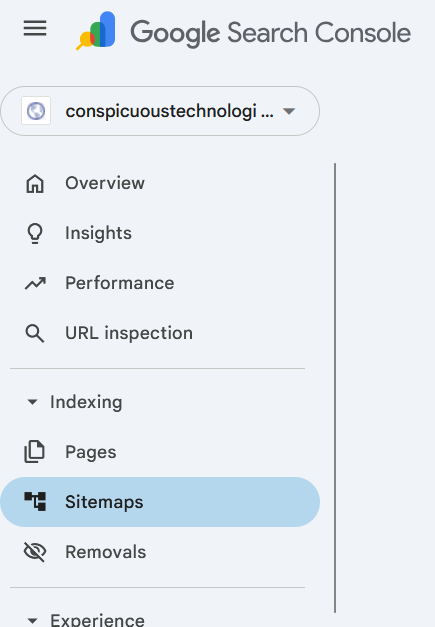
Back in Search Console, hit Verify. Once confirmed, go to Indexing → Sitemaps in the left nav.
Submit your sitemap URL, Hugo generates one automatically at /sitemap.xml.
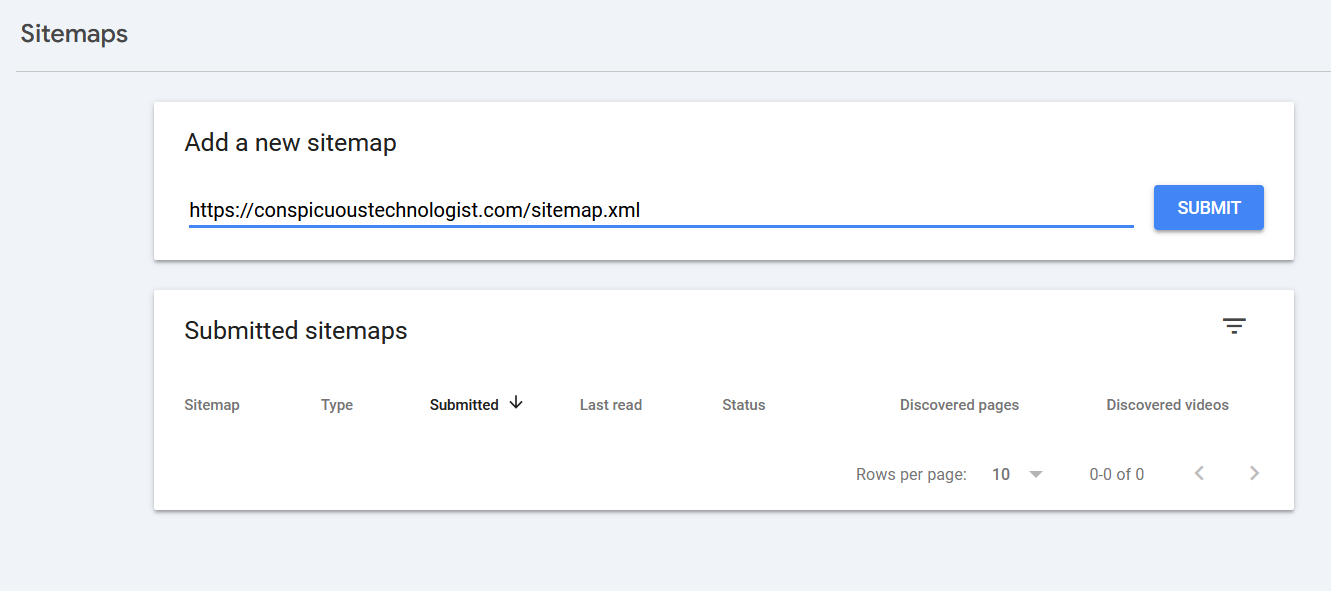

Google will crawl it within a few days to a couple weeks. Search Console will surface crawl errors, indexed pages, and eventually search query data.